

Email templates can be a great way to save time and boost productivity when it comes to email marketing campaigns. They can help you input your details into an existing email and this saves you the time and stress of creating a template from scratch.
More importantly, we’ll show you how to use email templates to create unique email campaigns. You should never be afraid of how original your emails will appear, we have the guide right here!
Table of Contents
Benefits of Using Email Templates
Using email templates provides numerous benefits, but let’s cover the most common top 3 benefits.
Email Templates Save Time, Money, and Boost Productivity
Every entrepreneur and business owner has had to send the same email more than once. Using email templates provides a way to save time and increase productivity by automating repetitive tasks.
This also saves you money that you may have spent on paying team members who would normally work on all of the individual unique designs of newsletters, campaigns, and automated messages.
Email Templates Ensure Brand Consistency
If your email marketing team consists of more than one person, maintaining brand consistency can be extremely challenging. Email templates help ensure that your emails are consistent in branding and layout.
Email Templates Simplify Personalization
Personalizing emails is important for increasing engagement rates, but it can be time-consuming to create personalized emails from scratch. Email templates simplify personalization by providing a framework for personalization that can be easily customized.
How to Create Unique Email Campaigns from a Template
Email marketing campaigns are a powerful tool to communicate with your customers and potential clients. They help you build brand awareness, increase engagement, and drive sales.
However, creating a unique email campaign that stands out from the crowd can be a challenging task.
This is where email templates come in handy. Email templates are pre-designed layouts that you can customize to create an email that reflects your brand. In this article, we’ll discuss how to create unique email marketing campaigns from an email template.
Choose the Right Email Template
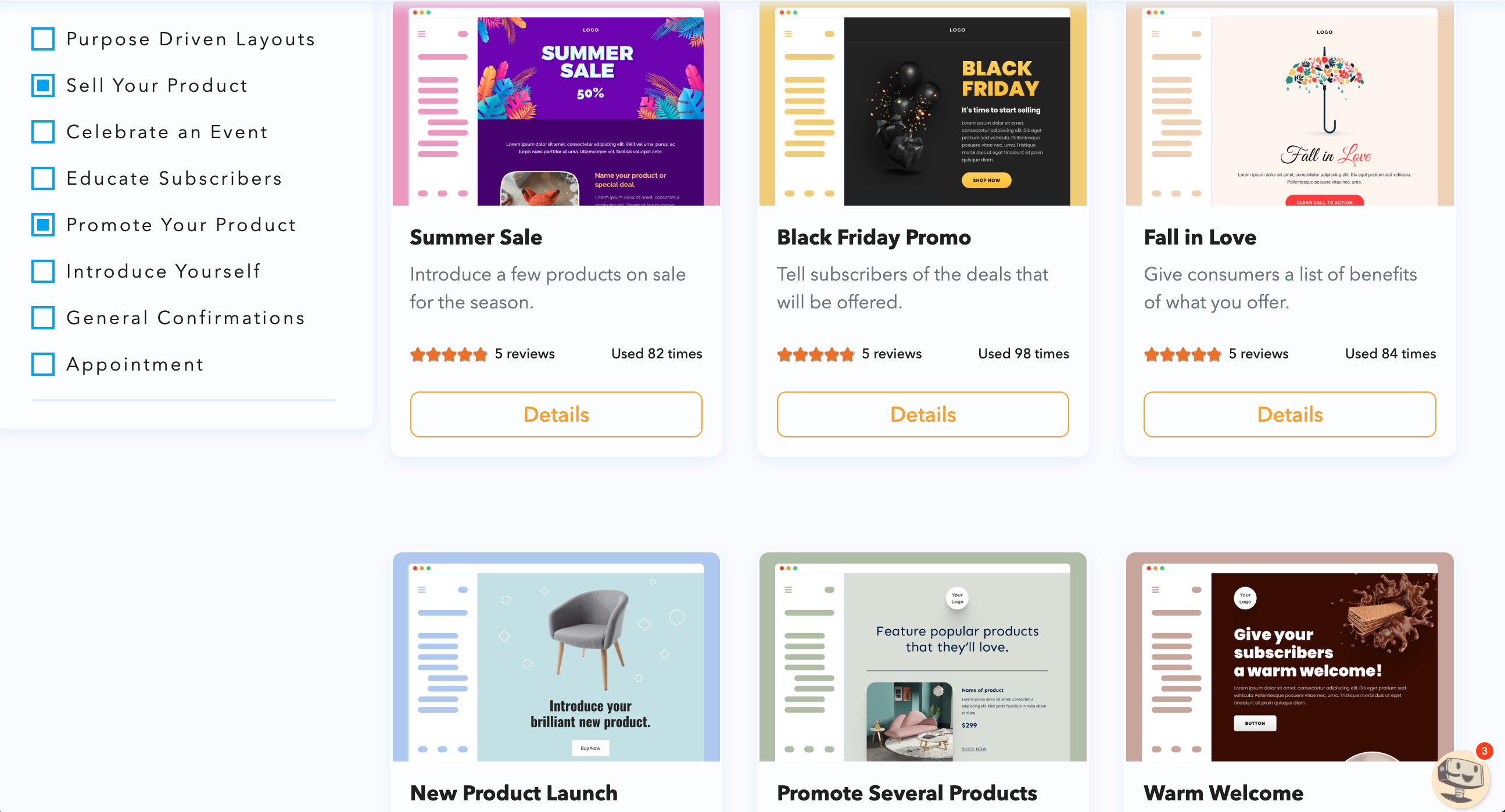
Choosing the right email template is the first step in creating a unique email marketing campaign. The template you choose should reflect your brand’s personality and the message you want to convey. Look for templates that have a clean, modern design and are easy to read.
You should also consider the purpose of the email campaign. For example, if you’re launching a new product, you may want to use a template with a bold headline and product image.
Customize the Design
Once you’ve chosen an email template, it’s time to customize the design to make it unique. Start by adding your brand’s logo and choosing colors that match your brand’s color scheme. You can also add images that support the message you want to convey. However, be careful not to overload the email with too many images as this can make it difficult to read.
Another way to customize the design is by using fonts that match your brand’s personality. For example, if your brand is playful, you may want to use a fun and quirky font. If your brand is more professional, you may want to use a more traditional font.
Personalize the Content
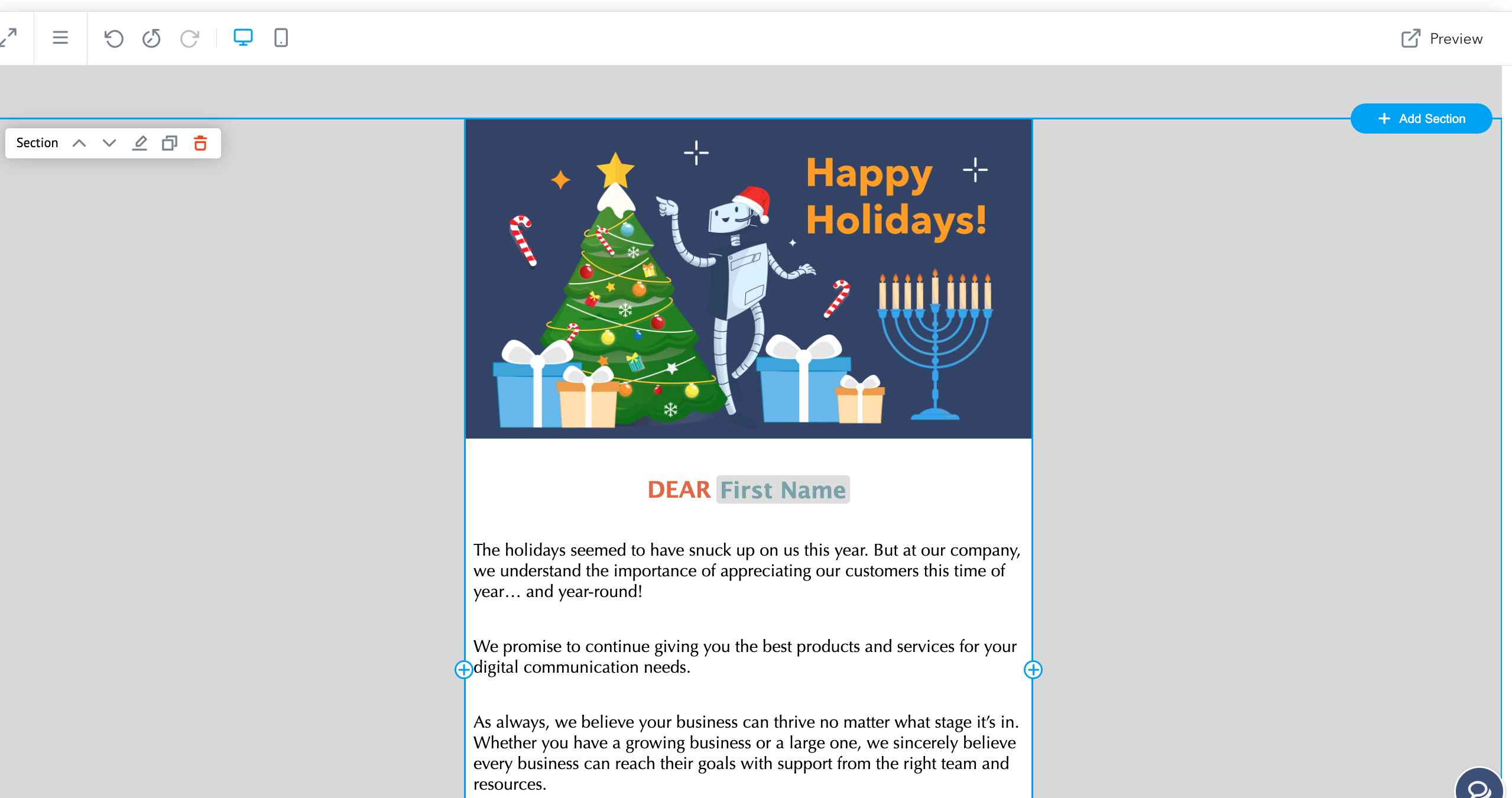
Personalizing the content of your email is another way to make your email campaign unique. Start by addressing your customers by their first name in the greeting. This simple touch can make your customers feel valued and increase engagement.
You can also personalize the content by segmenting your email list and creating targeted campaigns for each group. For example, if you have customers who have recently made a purchase, you may want to send them a thank you email with a discount code for their next purchase.
Add a Call-to-Action
Adding a clear call-to-action (CTA) is essential for driving engagement and sales. Your CTA should be easy to find and understand. Use action-oriented language that tells your customers what you want them to do. For example, “Shop Now” or “Learn More.”
You can also make your CTA stand out by using a contrasting color or bold font. However, be careful not to use too many CTAs in one email as this can overwhelm your customers.
Test and Optimize
Finally, testing and optimizing your email campaign is crucial for improving its effectiveness. Before sending your email to your entire list, send a test email to yourself and a few others to make sure everything looks and functions correctly.
You can also use A/B testing to compare different versions of your email campaign. For example, you could test different subject lines or CTAs to see which version performs better. Use the data you collect to optimize your email campaign and make improvements for future campaigns.
Conclusion
Creating a unique email marketing campaign from an email template requires a combination of design, personalization, and optimization. By choosing the right email template, customizing the design, personalizing the content, adding a clear call-to-action, and testing and optimizing, you can create a campaign that stands out and drives engagement and sales.
With the right tools and strategies, email marketing can be a powerful tool to build your brand and grow your business. Create campaigns for free with or without templates with TruVISIBILITY's all-in-one marketing suite!
Related articles


Want to receive more articles?
Sign-up for our weekly newsletter to receive info that will help your business grow